
2D Shapes PowerPoint Lesson for Kids
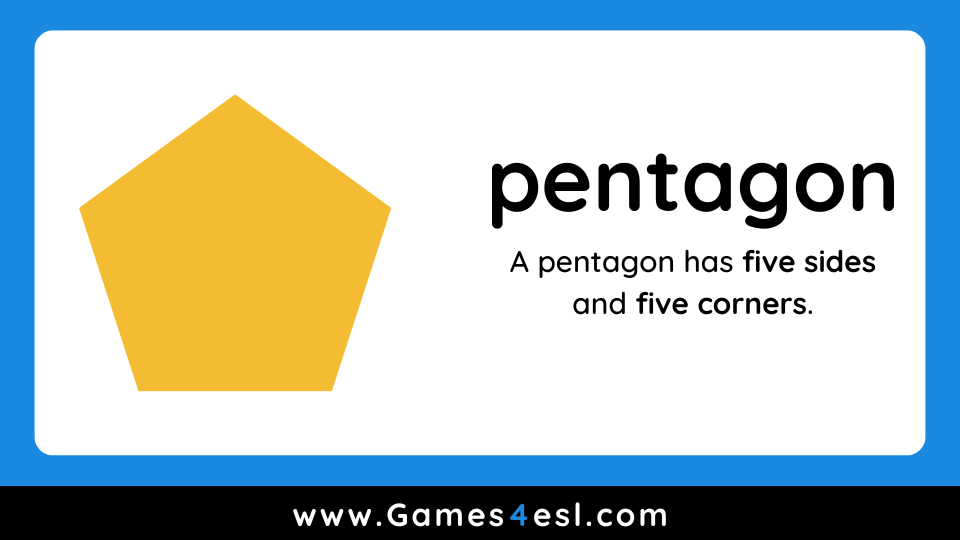
This 2D Shapes PowerPoint is designed to help young learners recognize and name common 2D shapes in English. Each slide shows a large, clear shape along with a short sentence describing its properties. For example, “A pentagon has five sides.” The presentation ends with a simple matching game that makes it easy to review the shapes together as a class.
2D Shapes PowerPoint
How to Use This 2D Shapes PowerPoint
Begin by showing the first few slides and asking students to name each shape aloud. Encourage class participation by pointing to shapes and asking questions like, “How many sides does a square have?” or “Can you find something in the room that’s triangle shaped?”
After reviewing all the shapes, move on to the matching game at the end of the presentation. Split the class into two teams and take turns revealing two cards. If the shapes match, the team scores a point. This is a simple way to reinforce vocabulary and check which words students are confident with, and which may need more review.
More Resources for Teaching Shapes
- List Of Shapes – Expand your students’ vocabulary with this extensive list of shapes in English.
- Free 2D Shapes Worksheets – 25 fun and colorful 2D shape worksheets for kids.
- 3D Shapes PowerPoint – Use this to introduce more shapes like cubes, cones, and spheres.
- 2D Shapes Quiz – An interactive exercise to review 2D shapes online.