
Big and Small PowerPoint Lesson for Kids
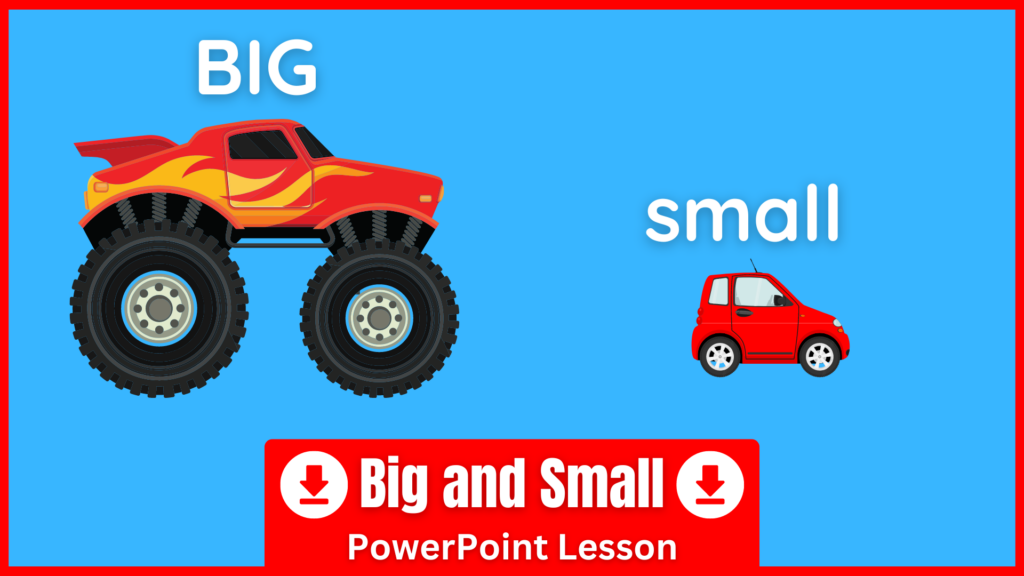
This Big and Small PowerPoint is designed to help students understand the difference between the adjectives big and small. It includes clear slides with fun, kid-friendly images that make it easy for young learners to grasp the concept. At the end, there’s a simple guessing game to review and reinforce what they’ve learned. Download the PPT below.
Big and Small PPT Lesson
How to Teach Big and Small with This PowerPoint
Start by showing the first slide, which clearly introduces the difference between big and small. Drill the words “big” and “small” while using gestures to demonstrate the meanings. For example, hold your hands out wide like you’re holding a big ball and say “big,” then bring your thumb and index finger close together and say “small.”
Once students understand the concepts, work through the rest of the slides. Each one shows a picture of something either big or small, along with a full sentence such as “It’s a small car” or “It’s a big car.” Have students repeat the sentences, and then try saying them on their own.
To finish the lesson, play the guessing game at the end of the presentation. In each round, students will see one visible object and one hidden. They must guess whether the hidden object is big or small by making a sentence like “It’s a small tree” or “It’s a big tree.” This simple game helps students practice sentence building while having fun, and builds confidence using the adjectives big and small.
Follow-Up Activity: Big and Small Worksheet
After using the PowerPoint, you can reinforce the lesson with these Big and Small Worksheets.