
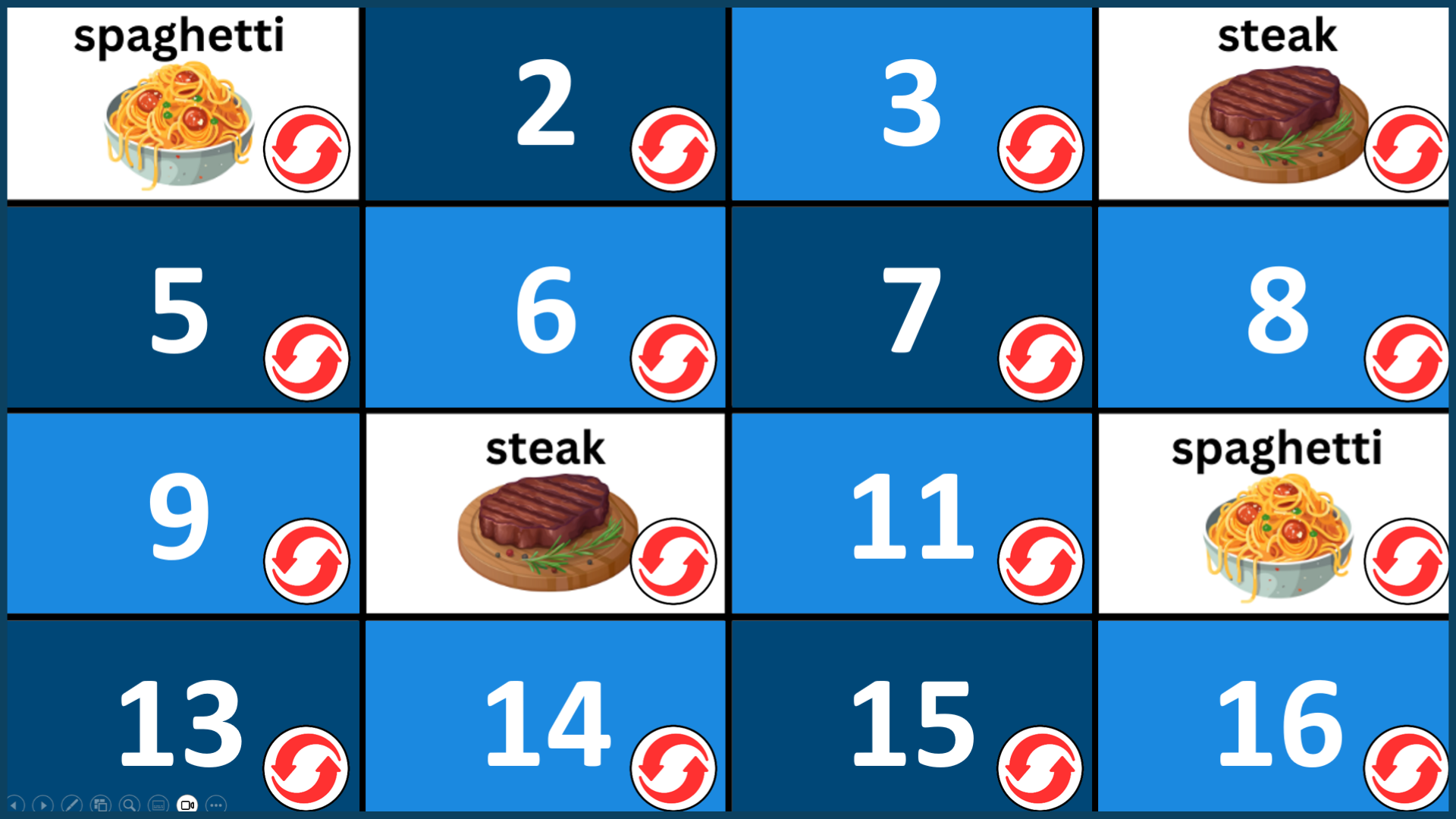
Matching Game PowerPoint: Free Editable Template for Teachers
Matching or Memory Games are a fun way to review vocabulary in the classroom, especially with beginner English learners. These PowerPoint-based games are best used as a whole-class activity with two or more teams. Students take turns choosing two hidden squares to try and find matching word or picture pairs. If the items match, they get a point. If not, click the red circle to hide them again. The goal is to remember where pairs are and outscore the other team.
These games are great for reinforcing key vocabulary topics, practicing visual memory, and encouraging classroom participation. Download the template below to add your own words and pictures, or choose one of our ready-made games on topics that ESL/EFL learners typically study.
Matching Game Editable Templates
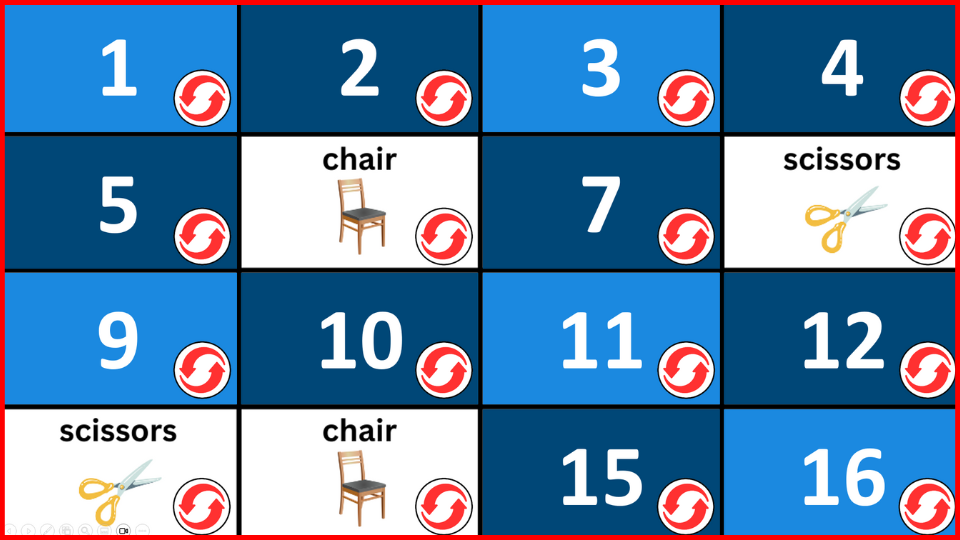
Here are two editable PowerPoint templates you can use to create your own Matching or Memory Game. One version includes 16 squares, and the other has 12 squares. I find the 12-square version is best for younger learners, as the full 16-square game can be quite challenging for them.
Ready-to-Use Matching Games by Topic
These Matching/Memory game PPT’s are ready-to-use and cover vocabulary topics that beginner ESL/EFL learners typically study. Just choose a topic below to download and play.
- Action Verbs
- Animals
- Body Parts
- Classroom Objects
- Clothes
- Countries
- Daily Routine
- Days of the Week
- Family Members
- Farm Animals
- Feelings
- Food
- Fruits
- Hobbies
- Jobs and Occupations
- Past Tense Verbs
- Places Around Town
- Plural Nouns
- Prepositions
- Present Progressive Tense
- Rooms of the House
- School Subjects
- Sea Animals
- Shapes
- Sports
- Transportation
- Vegetables
- Weather
Play the Matching/Memory Game Online
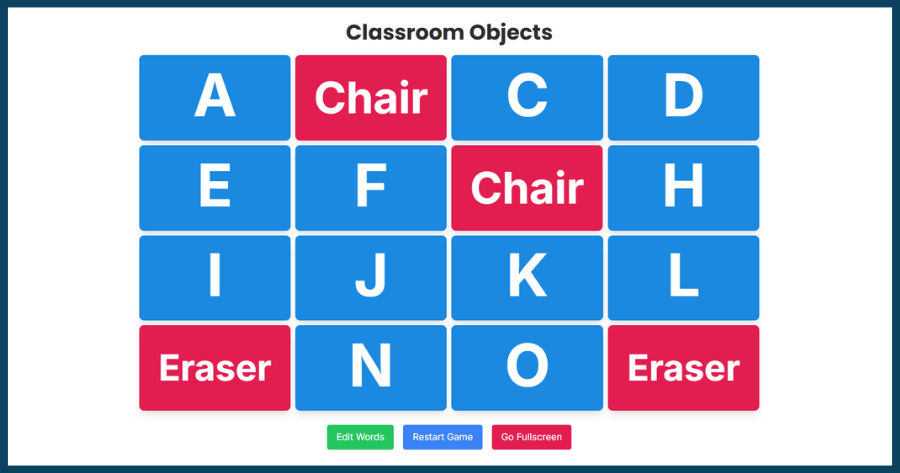
Want to play the Matching Game online? Head over to Teacher Tools by Games4esl to access an interactive online version of the Matching Game, plus many more fun and useful classroom tools!