
Can Can’t PowerPoint for Teaching Ability
Use this free Can and Can’t PowerPoint to teach students how to talk about abilities in English. The slideshow introduces simple sentences with can and can’t (for example: “I can swim.” / “I can’t fly.”), making it ideal for kids and beginner learners. With clear examples and pictures, this PPT helps students understand the meaning of can and can’t and practice making their own sentences.
Can Can’t PowerPoint Lesson
How to Teach Can/Can’t With This PowerPoint
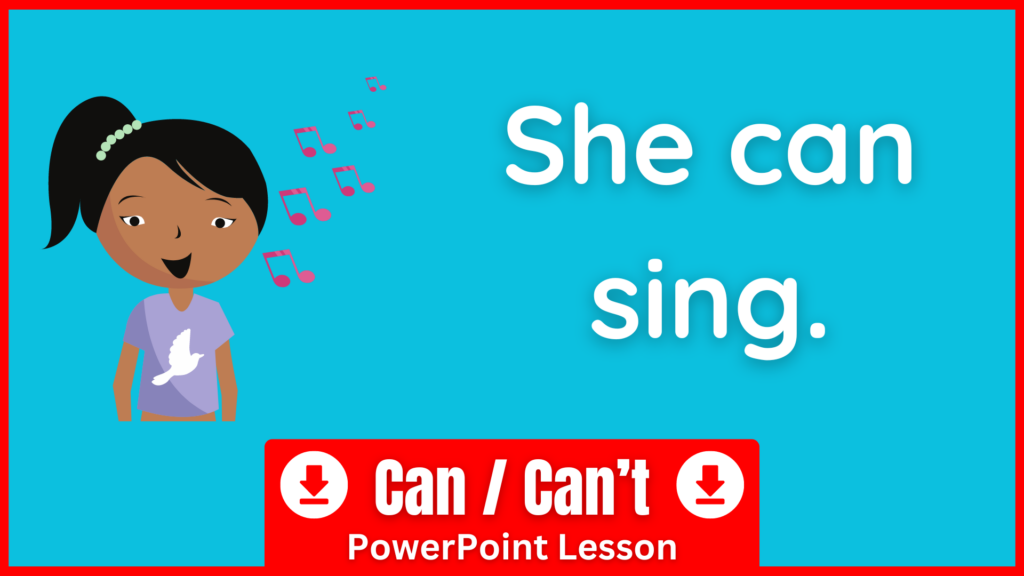
Start the slideshow. On each slide, students will first see a picture of people doing different actions. Elicit the actions from the class (for example: sing, dance, run, fly, etc.). Then click to reveal the speech bubbles next to each character, which say things like “I can fly” or “I can sing.” Have students repeat after you several times until they can say the sentences confidently.
Next, practice using he and she. Point to a character and explain: if it’s a boy, we say “He can…”; if it’s a girl, we say “She can…”. For two or more people, we use “They can…”. Go through the slides again and practice together, for example: “He can fly” or “She can sing.”
Finally, continue with the last part of the slideshow, which introduces can’t. Students will see characters with speech bubbles like “I can’t”, “He can’t”, “She can’t”, or “They can’t”. Practice these sentences until students can confidently say them on their own.
At the end, there is a review quiz. Students will see the same characters and be asked, “What can he/she do?” They must answer in full sentences, such as “She can dance” or “He can’t swim.”
Teaching Tip: Extend the activity by putting students in pairs. Have each student tell their partner three things they can do and three things they can’t do. Then, ask pairs to share with the class by reporting on their partner’s answers, for example: “He can play soccer, but he can’t draw.”