
First Conditional PowerPoint Lesson
Teach your students how to use the first conditional with this free PowerPoint presentation. The slides explain what first conditional sentences are, show how to form them, and give clear example sentences. At the end, there is a short review exercise so you can check students’ understanding.
Download the First Conditional PowerPoint
How to Use This First Conditional PowerPoint
Before starting the presentation, write a sample first conditional sentence on the board, such as:
If it doesn’t rain tomorrow, I’ll go to the park.
Then, ask a few guiding questions to check students’ understanding:
- What tense is used in I’ll go to the park? (Future)
- Will the speaker definitely go to the park? (No)
- Will they go if it rains? (No)
- Will they go if it doesn’t rain? (Yes)
This quick discussion helps students see that the first conditional is used for real and possible future situations.
Next, open the PowerPoint. The slides first explain what the first conditional is and then show how to form it: If + present simple, will + base verb. Use the example on the board to highlight each part of the sentence.
Once students have a good grasp of the form, practice with the example sentences in the presentation. A helpful extension is to have students change part of a sentence to make a new one. For example:
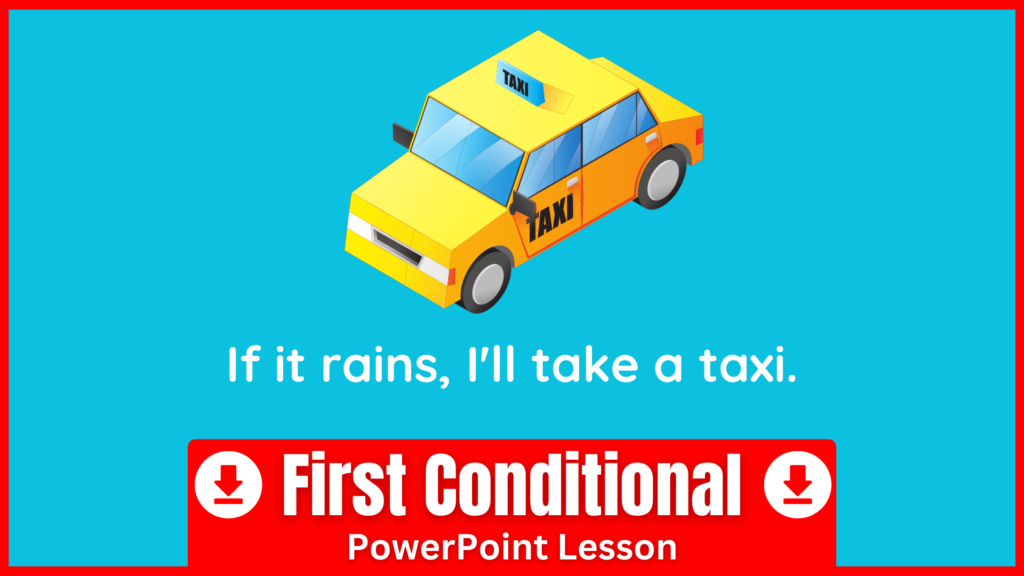
If it rains, I’ll take a taxi → If it’s sunny, I’ll walk.
Finally, use the review quiz at the end of the slideshow. Each question shows an if-clause, and students must choose the correct main clause from three options. This encourages careful attention to form, which is especially important when learning conditional sentences.