
Present Progressive Tense PowerPoint (Free)
Teach your students how to form the present progressive tense with this free PowerPoint lesson. The presentation explains the rules for changing verbs into the -ing form and gives plenty of examples with pictures to make the grammar clear and memorable. Students will learn how to form and use the present progressive tense in sentences such as “I am eating lunch” or “She is swimming.”
Present Progressive PowerPoint
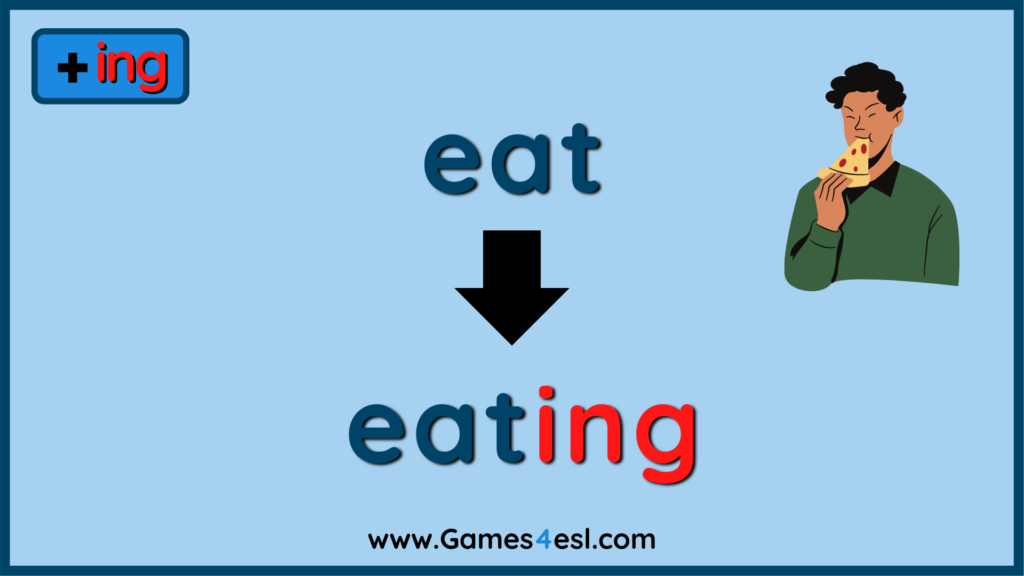
Inside This Present Progressive Tense PowerPoint
- The slideshow begins with the easiest rule: simply add -ing to the base verb. Examples include eat → eating and watch → watching.
- Next, students learn how to change verbs that end in -e: remove the e and add -ing. Examples: make → making, smile → smiling.
- After that, the PPT introduces verbs that end in -ie: change -ie to -y and add -ing. Examples: lie → lying, tie → tying.
- Finally, students see the rule for verbs ending in a consonant after a vowel: double the consonant and add -ing. Examples: run → running, swim → swimming.
Tips for Teaching With This PowerPoint
- Don’t overload students. Learning all the spelling rules at once can feel overwhelming, especially for young learners. Start with the simple “just add -ing” rule and practice making sentences. Once students are confident, gradually introduce the other rules.
- Display the rules in class. Print the four slides that show each spelling rule and post them on the wall. This way, students can refer to them when unsure. Over time, they’ll rely less on the posters as they internalize the rules.
More Present Progressive Tense Resources
Here are some other useful lesson materials for teaching the present progressive tense you can use:
- 5 Present Progressive Tense Activities
- Present Progressive Tense Worksheets
- Present Progressive Tense Flashcards
- Present Progressive Lesson Plan