
Free Hidden Picture PowerPoint Games and Templates for the Classroom
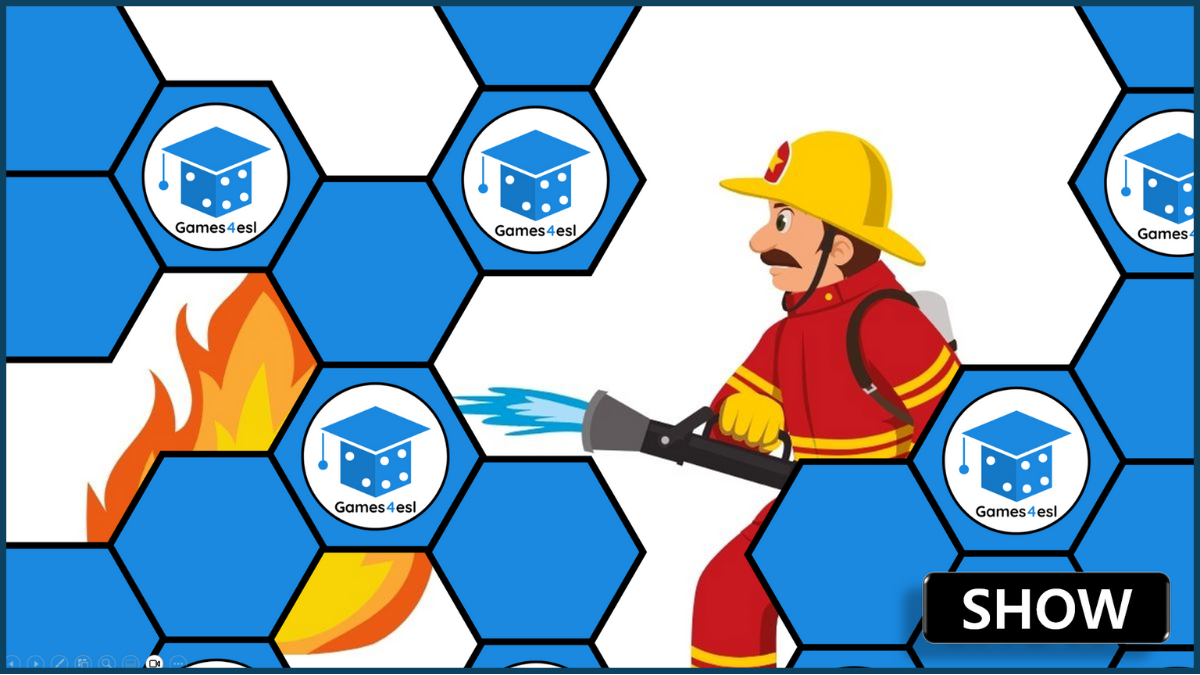
Hidden Picture PowerPoint Games are a fun and interactive way to introduce or review vocabulary with students. These games are especially popular in ESL/EFL and primary classrooms, where learners enjoy guessing what’s hidden beneath the shapes. To play, open the PowerPoint and click on the shapes to slowly reveal the hidden image. Students take turns guessing the word or phrase based on what they see. Use the editable templates to make your own, or download a ready-to-use game below.
Hidden Picture PPT Game Templates

Here are two editable templates to help you create your own Hidden Picture PowerPoint games. One uses a 16:9 layout with blue tiles, while the other has a 4:3 layout with colorful tiles, making it ideal for younger learners. To customize, simply copy and paste your image over the tiles, then right-click the image and select “Send to Back.”
Ready-Made Hidden Picture PPT Games
These ready-made Hidden Picture PPT games are free to use in lessons and cover a wide range of beginner vocabulary topics. Students guess the word as you click to reveal parts of the hidden picture, making this an engaging way to review vocabulary and practice speaking. Choose a topic below to download a ready-to-use game.
- Action Verbs
- Animals
- Animals – Farm Animals
- Body Parts
- Buildings And Places
- Classroom Objects
- Clothes
- Countries
- Daily Routine
- Family
- Feelings
- Food
- Fruit
- Hobbies
- Jobs and Occupations
- Phonics A to Z
- Phonics CVC A
- Phonics CVC E
- Phonics CVC I
- Phonics CVC O
- Phonics CVC U
- Plural Nouns
- Prepositions
- Present Progressive Tense
- Rooms of the House
- School Subjects
- 2D Shapes
- 3D Shapes
- Seasons
- Sports
- Transportation
- Vegetables
- Weather